 PhotoCargo
Items and files
Photos counts items. Your drive holds files. Most items are a single file, but some are more:
- Live Photos: a still photo (HEIC or JPEG) and a short video (MOV). PhotoCargo copies both, and with Keep Both the pair gets the same number if a name already exists.
- RAW + JPEG: both originals are copied.
- Videos: usually MOV or MP4, in their original quality.
- Bursts: an Entire Library transfer copies every photo in a burst.
A second drive gets its own copy of every file, which is why the planned file count can be much higher than the number of items.
HEIC, JPEG and RAW
iPhone saves photos as HEIC by default: high quality in smaller files. A Mac opens HEIC natively. Some older apps and other systems may need an update or extension to open them. PhotoCargo copies files exactly as they are, without converting them, so nothing is lost.
What about my edits?
Edits in Photos are non-destructive: the original stays untouched and Photos stores your adjustments separately. PhotoCargo copies the originals, so your copies look as they did when they were taken.
If an original isn’t available, PhotoCargo tells you and can copy the best version Photos has instead, such as the full-size edited version. Each such item gets a note. To keep your edited looks too, export them with File › Export in Photos.
Names, dates and folders
- Keep original names like IMG_1234.HEIC, use the date and time taken, or build a custom pattern.
- Each copy’s Created and Modified dates are set to the date it was taken, so the Finder sorts your archive in order.
- Folders can be by year and month, named after the album, or a single folder.
What isn’t included
- Hidden items, unless you include them in Filters.
- Shared Albums.
- Photos’ own organization: keywords, faces, memories and the Photos library database. You get ordinary files you can open anywhere.
Keep exploring
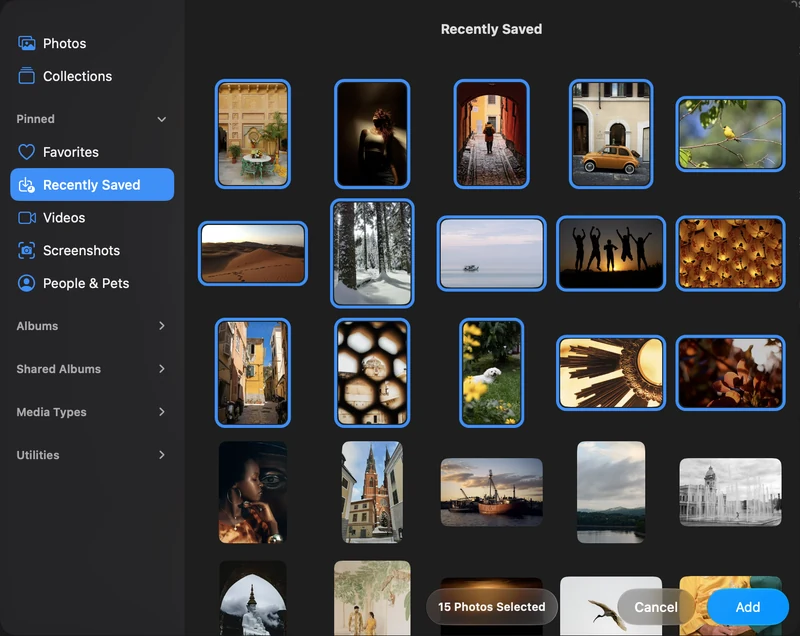
How to export original photos and videos from Photos on Mac
Three ways to get unmodified originals out of Photos on a Mac: Export Unmodified Original, edited exports, and verified bulk copies of iCloud libraries.
Read the guideBack up selected photos and videos on your Mac
Connect Apple Photos, choose individual items and make your first verified copy to an APFS drive.
Read the guide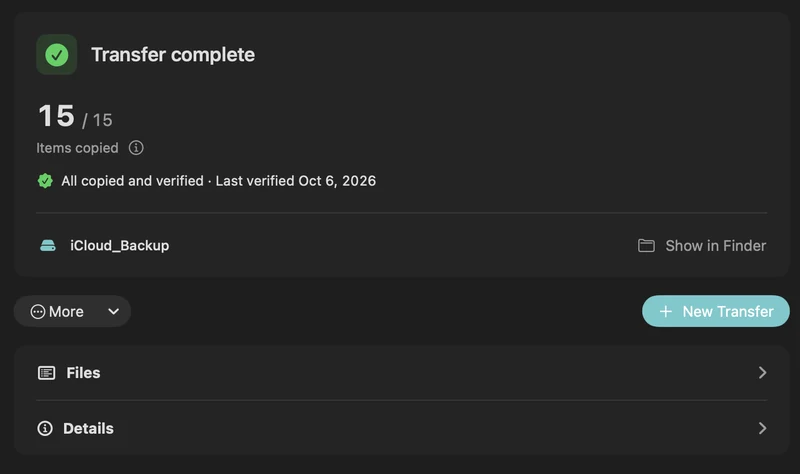
Verify, pause, resume and recover a transfer
Understand saved transfer records, checksum verification, retries and recovery backups in PhotoCargo.
Read the guide

