 PhotoCargo
Guides
iCloud photo backup guides for Mac
Practical, step-by-step guides to getting your photos and videos out of iCloud and onto a drive you own, written for real libraries: tens of thousands of items, Live Photos, RAW files and Macs with little free space.
17 guides found
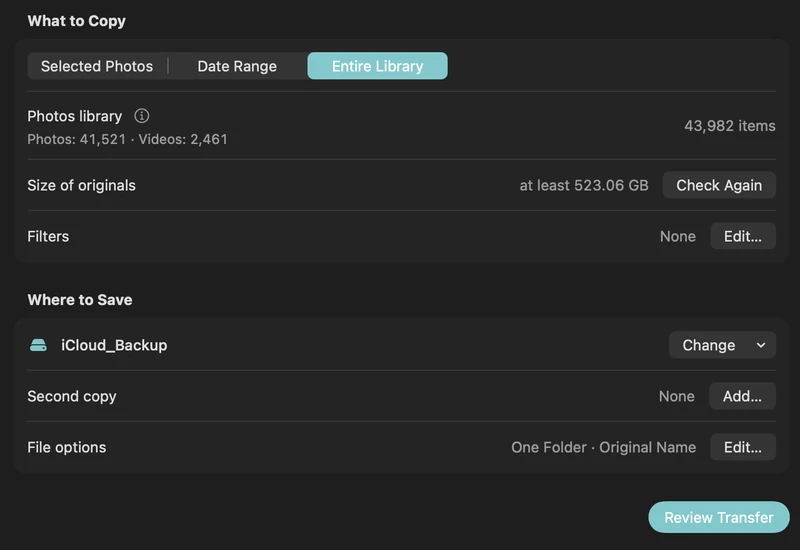
How to back up iCloud Photos to an external hard drive (Mac)
Copy your iCloud Photos originals to an external HDD or SSD on a Mac, even a library bigger than your Mac: PhotoCargo, Photos export, iCloud.com and moving the library.
Read the guideHow to download all your iCloud photos at once
Four ways to download your whole iCloud Photos library: Photos on Mac, iCloud.com in batches of 1,000, Apple’s data copy, and a verified copy straight to an external drive.
Read the guide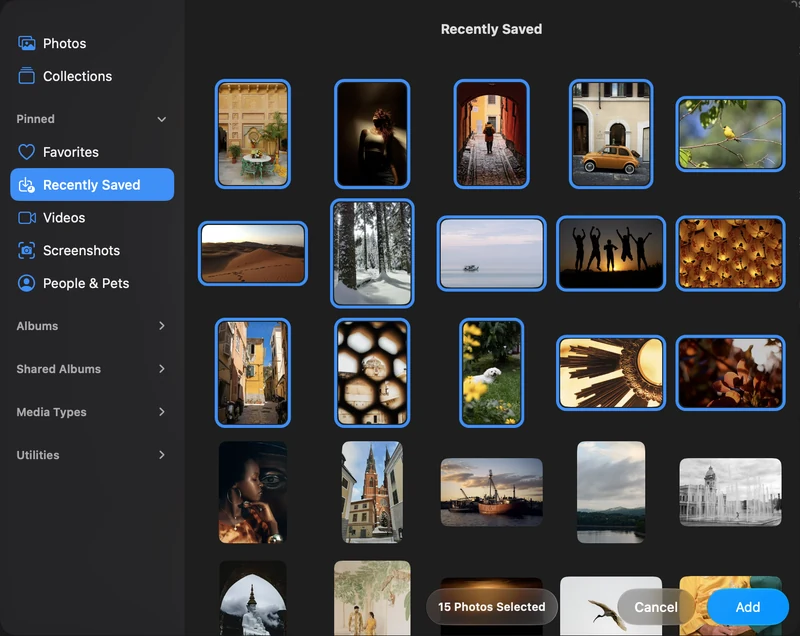
Back up selected photos and videos on your Mac
Connect Apple Photos, choose individual items and make your first verified copy to an APFS drive.
Read the guideHow to back up iPhone photos to an external hard drive with your Mac
Back up your iPhone photos and videos to an external hard drive or SSD: sync them to Photos on your Mac with iCloud Photos or a cable, then copy verified originals.
Read the guide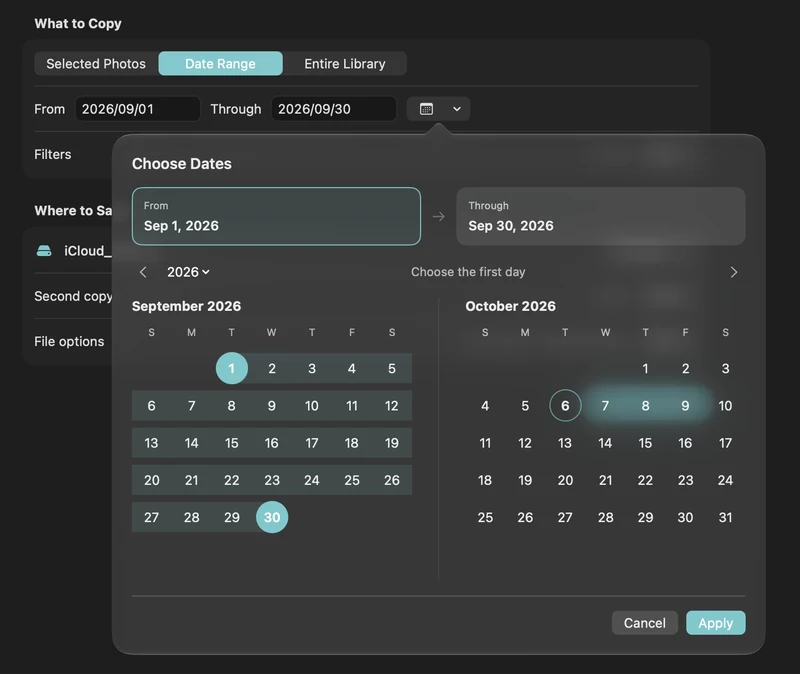
How to free up iCloud storage without losing your photos
Running out of iCloud storage? Move older photos and videos to an external drive safely: verified copies first, then delete in Photos, step by step.
Read the guide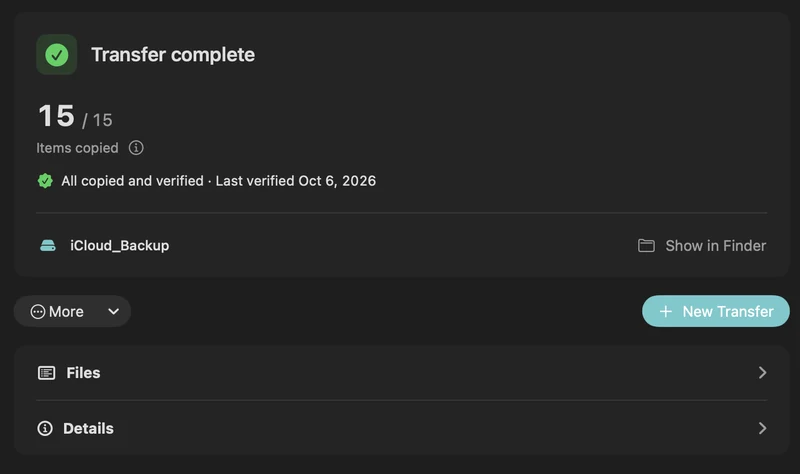
How to turn off iCloud Photos without losing your photos
Leave iCloud Photos without losing a photo: back up the originals to an external drive first, then turn off syncing the safe way. Apple’s 30-day rule explained.
Read the guideIs iCloud Photos a backup? What it protects, and what it doesn’t
iCloud Photos syncs your library; that isn’t a backup. What it protects you from, what it can’t (deletions sync everywhere), and how to add a verified copy on your drive.
Read the guide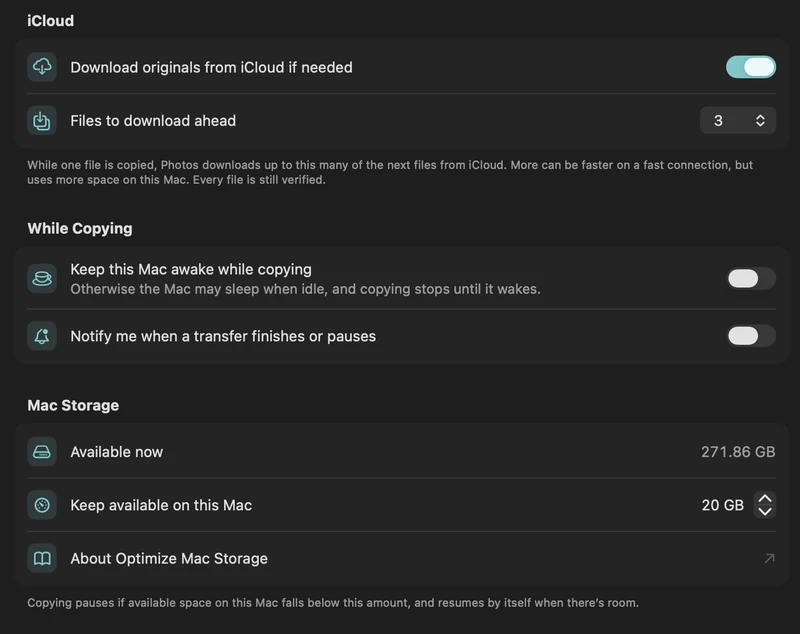
Optimize Mac Storage explained: where your original photos really are
What Optimize Mac Storage does to your Photos library, why library copies and Time Machine can end up with previews, and how to get the originals onto your drive.
Read the guideCopy a large iCloud library with limited Mac storage
Plan a transfer larger than your Mac’s free space with on-demand originals, a free-space reserve and controlled download-ahead.
Read the guide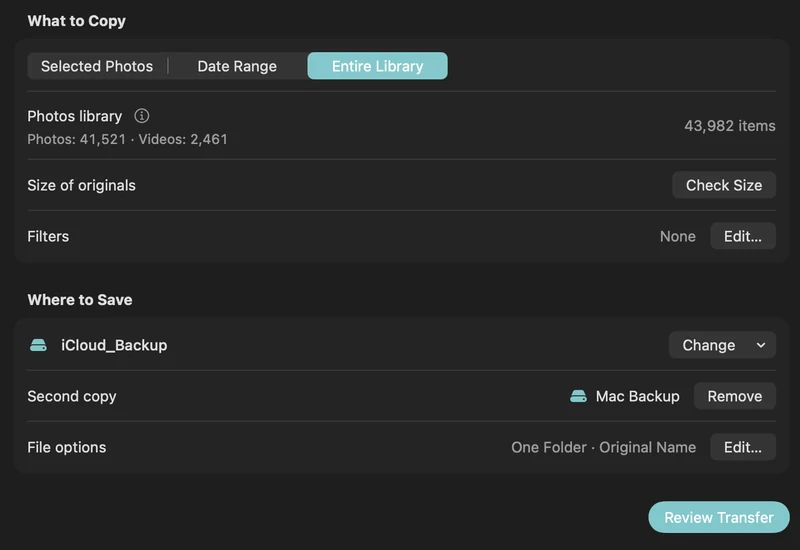
Move your Photos library to an external drive, or back it up?
Apple’s steps for moving the Photos library to an external drive, what that does and doesn’t protect, and when a verified copy of your originals is the better choice.
Read the guideHow to export original photos and videos from Photos on Mac
Three ways to get unmodified originals out of Photos on a Mac: Export Unmodified Original, edited exports, and verified bulk copies of iCloud libraries.
Read the guideExport photos and videos by date range
Back up a holiday, a month or an older chapter of your Photos library with inclusive start and end dates.
Read the guideHow to choose and format an external drive for your photo library
How much space you need, SSD or HDD, and how to format a drive as APFS in Disk Utility for backing up an iCloud Photos library on Mac.
Read the guideLive Photos, RAW, HEIC and edits: what your photo backup contains
What PhotoCargo copies from Photos: HEIC and JPEG originals, Live Photo videos, RAW + JPEG pairs, bursts and hidden photos, and how edits, names and dates are handled.
Read the guideMake two copies on separate drives
Use PhotoCargo’s second destination to maintain two verified media copies in a single transfer workflow.
Read the guideA simple 3-2-1 backup plan for your iCloud photo library
Protect a lifetime of photos with the 3-2-1 rule: three copies, two drives, one off-site. A practical Mac routine with iCloud Photos and PhotoCargo.
Read the guideVerify, pause, resume and recover a transfer
Understand saved transfer records, checksum verification, retries and recovery backups in PhotoCargo.
Read the guideNo matching guides. Try iCloud, drive, storage or resume.

Your iCloud photos and videos. Your drive. Verified.
PhotoCargo for Mac is free to download on the Mac App Store, with every feature included.


macOS Tahoe 26 or later · APFS-formatted drives