 PhotoCargo
Originals or edited versions?
An original is the file your camera or iPhone created: often HEIC or JPEG for photos, MOV for videos, plus the video part of a Live Photo and the RAW file of a RAW + JPEG pair. An edited version is a new image rendered from the original with your adjustments applied.
For a backup, originals are what you want: nothing is recompressed, and the files keep their full quality and metadata.
Method 1: Export Unmodified Original in Photos
- Open Photos and select the photos and videos you want.
- Choose File › Export › Export Unmodified Original.
- Choose how files are named and whether to create subfolders, then click Export and pick a folder.
If your library uses Optimize Mac Storage, Photos first downloads each original from iCloud. This works well for a few hundred items. For thousands, it’s slow, it starts over if interrupted, and nothing checks that every file was written correctly.
Method 2: Export edited versions
Choose File › Export › Export Photos to create JPEG, HEIC, TIFF or PNG files with your edits applied. This is ideal for sharing finished pictures. It isn’t a backup of your originals.
Method 3: Copy a whole library with PhotoCargo
- Open PhotoCargo and connect Photos.
- Choose Selected Photos, Date Range or Entire Library.
- Choose a folder on an APFS drive, and optionally a second drive.
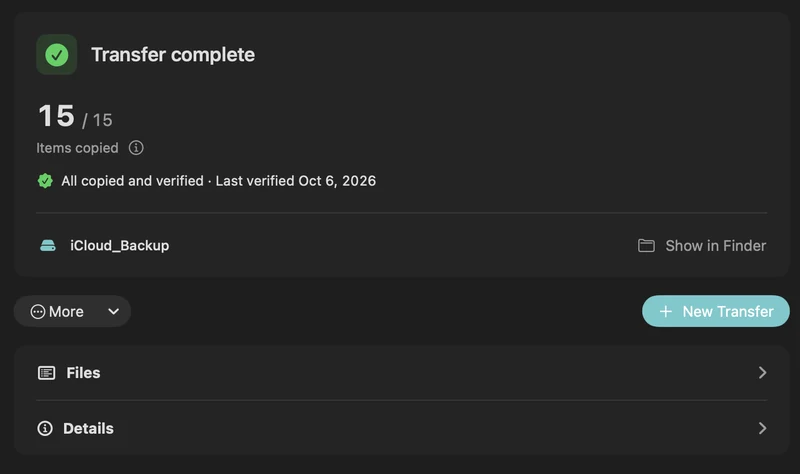
- Click Review Transfer, then Copy and Verify.
PhotoCargo copies the originals, including both parts of Live Photos and RAW + JPEG pairs, downloads from iCloud as needed, verifies each file with a checksum, and can pause and resume. Next time, Find New Items copies only what’s new.
Which method should you use?
| Export Unmodified Original | Export (edited) | PhotoCargo | |
|---|---|---|---|
| Original files | Yes | No | Yes |
| Edits applied | No | Yes | No |
| Verifies every copy | No | No | Yes |
| Resumes after interruptions | No | No | Yes |
| Copies only what’s new | No | No | Yes |
Keep exploring
Live Photos, RAW, HEIC and edits: what your photo backup contains
What PhotoCargo copies from Photos: HEIC and JPEG originals, Live Photo videos, RAW + JPEG pairs, bursts and hidden photos, and how edits, names and dates are handled.
Read the guide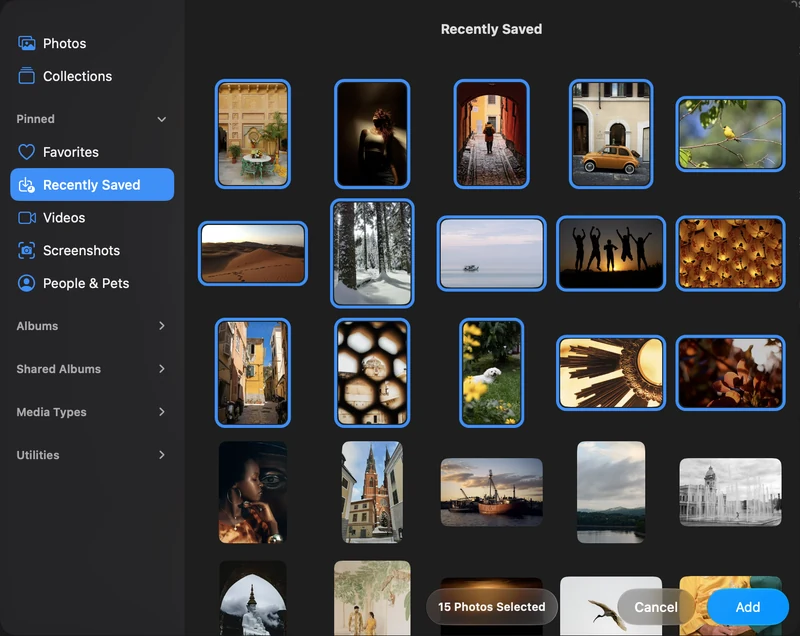
Back up selected photos and videos on your Mac
Connect Apple Photos, choose individual items and make your first verified copy to an APFS drive.
Read the guide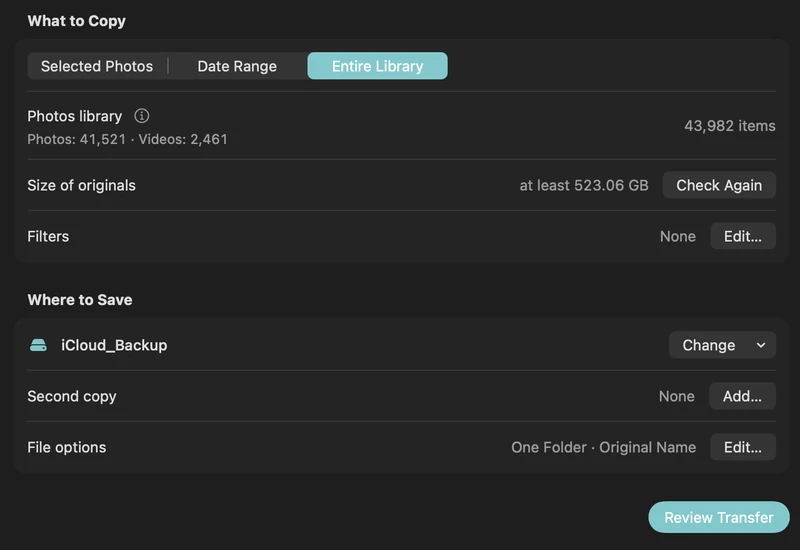
How to back up iCloud Photos to an external hard drive (Mac)
Copy your iCloud Photos originals to an external HDD or SSD on a Mac, even a library bigger than your Mac: PhotoCargo, Photos export, iCloud.com and moving the library.
Read the guide

