 PhotoCargo
What iCloud Photos does well
- Your phone falls in a lake: sign in on a new one and the library is back.
- Your Mac’s disk dies: the photos are still in iCloud.
- You have the same library on every device, with edits and albums in sync.
For hardware failure and loss, it’s hard to beat. That is what most people mean when they say their photos are “backed up”.
What it doesn’t protect against
- Deletions. Delete a photo on any device and it’s deleted from iCloud and every other device. Recently Deleted holds it for 30 days; then it’s gone. If a child, a sync glitch or a hurried clean-up removes 2,000 photos, that happens everywhere.
- Account problems. Locked out, a forgotten password with no recovery, a lapsed payment on a full account: your access to the library is your access to the photos.
- Deleting the iCloud copy. The account-level “Turn Off and Delete from iCloud” action schedules deletion after 30 days. Simply stopping sync on your devices is a different action.
- Previews mistaken for originals. With Optimize Mac Storage, the files on your Mac aren’t the real ones, so a Time Machine backup or a copied library folder may not contain them.
What a real backup adds
A backup is a second, independent copy that doesn’t change when the first one does. For photos, that means the full-resolution originals, as ordinary files, on a drive you own, checked so you know they arrived intact, and refreshed with what’s new.
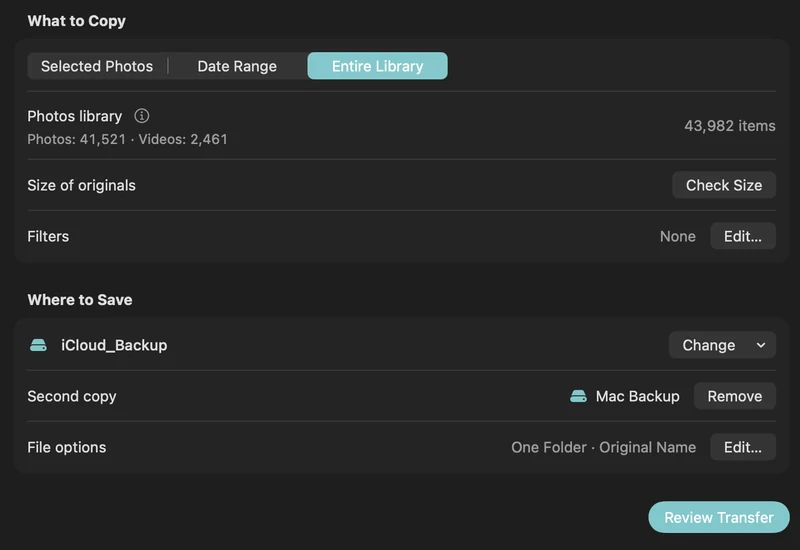
- Connect an APFS-formatted drive and open PhotoCargo.
- Choose Entire Library and a folder on the drive, then Copy and Verify. Originals stream from iCloud; nothing in your library changes.
- Keep a second copy on another drive, ideally in another place.
- Each month, run Find New Items. Every few months, run Verify Files.
That’s the 3-2-1 backup plan: three copies (iCloud, two drives), two kinds of storage, one off-site.
Keep iCloud Photos on
You don’t have to choose. iCloud Photos keeps doing what it’s good at, and the drive covers the rest. PhotoCargo changes nothing in your iCloud settings or your library; it only reads.
Keep exploring
A simple 3-2-1 backup plan for your iCloud photo library
Protect a lifetime of photos with the 3-2-1 rule: three copies, two drives, one off-site. A practical Mac routine with iCloud Photos and PhotoCargo.
Read the guide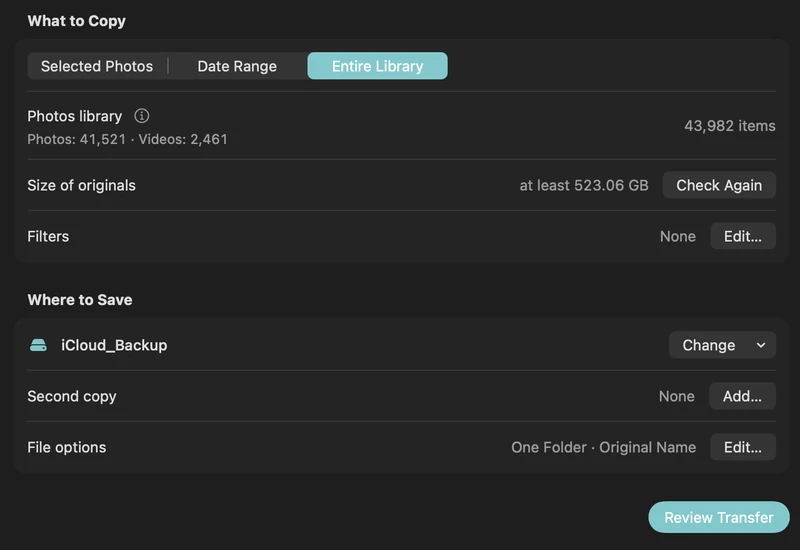
How to back up iCloud Photos to an external hard drive (Mac)
Copy your iCloud Photos originals to an external HDD or SSD on a Mac, even a library bigger than your Mac: PhotoCargo, Photos export, iCloud.com and moving the library.
Read the guide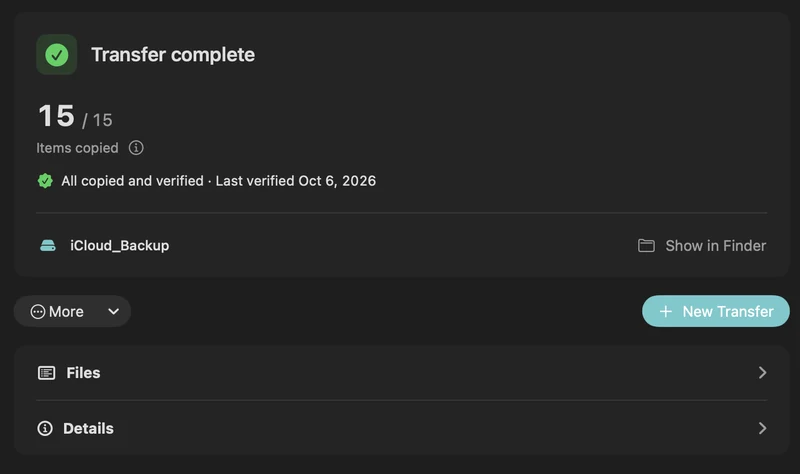
How to turn off iCloud Photos without losing your photos
Leave iCloud Photos without losing a photo: back up the originals to an external drive first, then turn off syncing the safe way. Apple’s 30-day rule explained.
Read the guide

