 PhotoCargo
A second destination adds another copy
One external drive can fail or be misplaced. A second copy on a separate physical drive reduces reliance on that single device. PhotoCargo lets you select two destination folders in one transfer workflow.
Two folders on the same physical drive do not protect against failure of that drive. Two attached drives also share risks such as theft or power damage. Consider keeping one completed copy in a different location.
Add and review both destinations
- Choose the photos, date range or entire library you want to copy.
- Set your first folder under Where to Save.
- Add a second destination and choose a folder on a different APFS-formatted drive.
- Review both destinations, available capacity and existing-file behavior. The planned file total includes copies across destinations.
- Run Copy and Verify. Keep both drives connected and review each destination’s results before safely ejecting them.
If one drive needs attention
A result on one drive is not evidence that the second drive is complete. Check the status for each destination and retry unfinished copies after reconnecting a missing drive or resolving a capacity problem.
Use the same saved transfer when continuing. Verification checks the files against the recorded checksums; it does not guarantee the drive’s future health. Re-verify important archives periodically.
Keep exploring
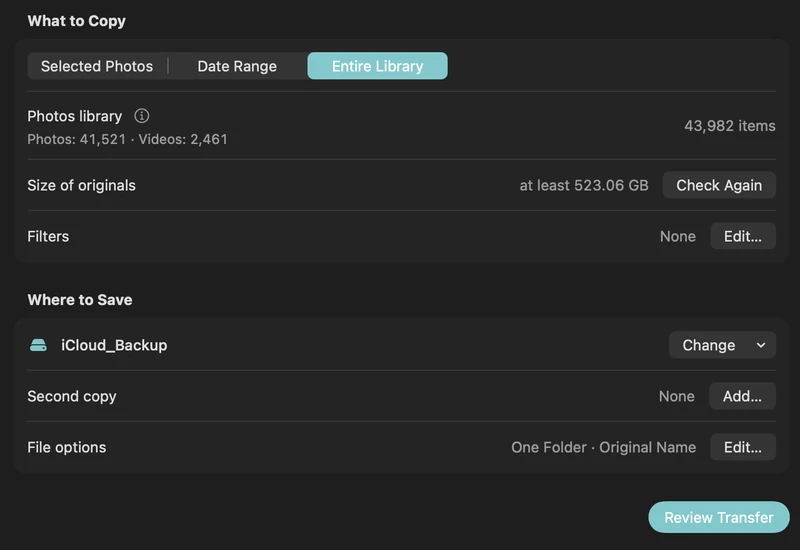
How to back up iCloud Photos to an external hard drive (Mac)
Copy your iCloud Photos originals to an external HDD or SSD on a Mac, even a library bigger than your Mac: PhotoCargo, Photos export, iCloud.com and moving the library.
Read the guide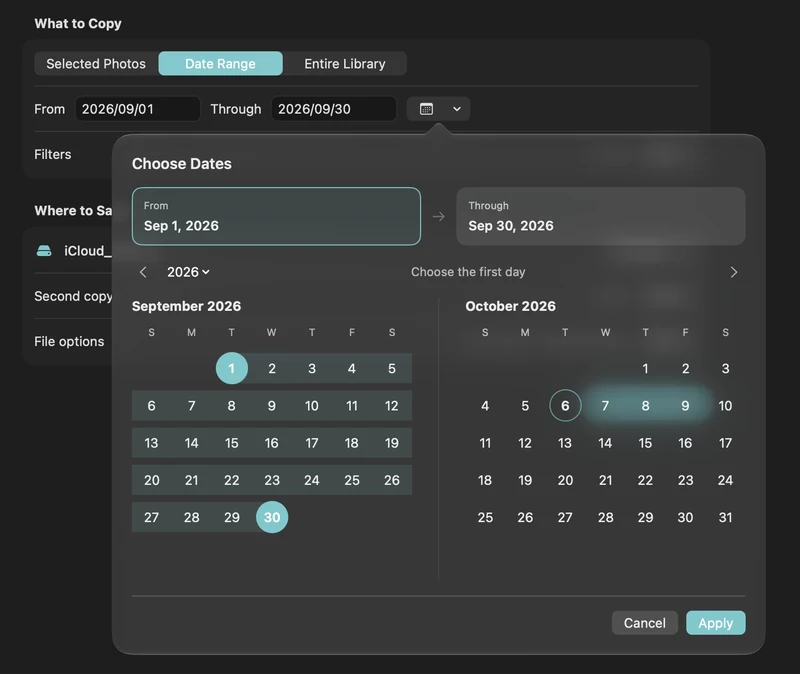
How to free up iCloud storage without losing your photos
Running out of iCloud storage? Move older photos and videos to an external drive safely: verified copies first, then delete in Photos, step by step.
Read the guide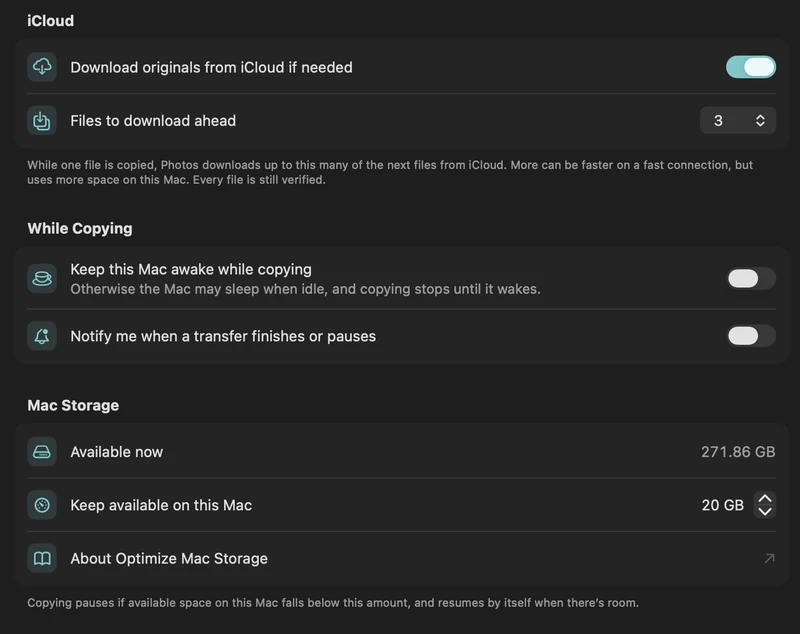
Copy a large iCloud library with limited Mac storage
Plan a transfer larger than your Mac’s free space with on-demand originals, a free-space reserve and controlled download-ahead.
Read the guide

