 PhotoCargo
The two settings
In Photos › Settings › iCloud, with iCloud Photos on, you choose one of two:
- Download Originals to this Mac stores the full-size versions both on your Mac and in iCloud.
- Optimize Mac Storage stores smaller versions on your Mac when storage is limited, and keeps the full-resolution originals in iCloud. Apple notes that if space runs low, Live Photos are kept on the Mac as still images; when you open one, the whole Live Photo plays as usual.
Optimize is what many Macs end up using, and it’s a sensible way to run a 300 GB library on a 256 GB laptop. It just means the Mac is not where your photos are.
What this does to backups
- Copying the Photos library folder to a drive copies the files that are there: for optimized items, that’s previews.
- Time Machine backs up your Mac. It can’t include originals the Mac doesn’t have.
- Dragging thumbnails out of Photos or exporting with the wrong option gives you downsized files.
- Export Unmodified Original does download the original first, which is why it’s slow for thousands of items.
None of this is a bug. Photos is doing exactly what the setting says. The problem is only that it’s invisible until you need a photo and find a 2,000-pixel version of it.
How PhotoCargo handles it
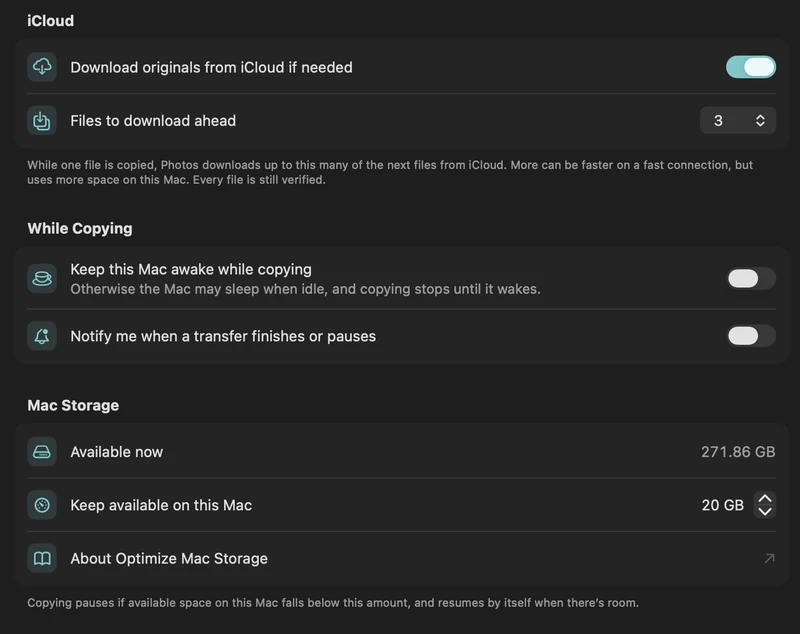
PhotoCargo never copies what happens to be on the disk. For every item, it asks Photos for the original. If it’s on the Mac, it’s copied at once. If it’s only in iCloud, Photos downloads it (a few files ahead, so the drive is never waiting), PhotoCargo writes it to your drive, reads it back and compares checksums. Your Mac keeps a free-space reserve you choose; if space runs low, copying pauses and resumes by itself.
If an original really can’t be retrieved, PhotoCargo says so under Needs Attention and can optionally copy the best version Photos has instead, clearly marked. It never substitutes silently.
Should you switch to Download Originals?
Only if the library fits comfortably and you want Photos itself to hold everything, for example before turning off iCloud Photos. For a backup, you don’t need to: let PhotoCargo stream the originals to your drive and leave the setting as it is. See Copy a large iCloud library with limited Mac storage.
Keep exploring
Copy a large iCloud library with limited Mac storage
Plan a transfer larger than your Mac’s free space with on-demand originals, a free-space reserve and controlled download-ahead.
Read the guide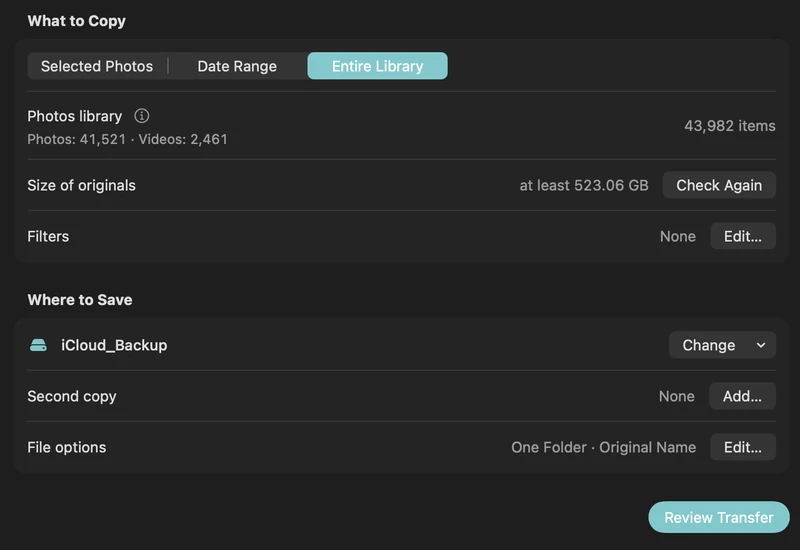
How to back up iCloud Photos to an external hard drive (Mac)
Copy your iCloud Photos originals to an external HDD or SSD on a Mac, even a library bigger than your Mac: PhotoCargo, Photos export, iCloud.com and moving the library.
Read the guide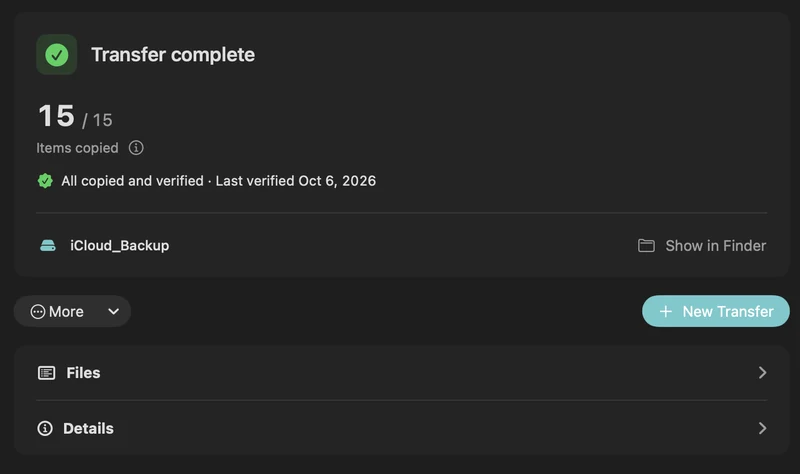
Live Photos, RAW, HEIC and edits: what your photo backup contains
What PhotoCargo copies from Photos: HEIC and JPEG originals, Live Photo videos, RAW + JPEG pairs, bursts and hidden photos, and how edits, names and dates are handled.
Read the guide

